
Integrated AI
In our process simulator, we use increasingly capable AI models to speed up your workflow, help you develop more energy- and cost-efficient processes, and help to ensure that critical safety constraints are met.
The AI is given information about the process you are working on, such as the process configuration, equation of state, compositions, and available simulation profiles and results. This allows you to discuss your specific process and ask the AI to help you build, understand and improve it.
In the following, we explain how you can access these AI capabilities and what you can use them for right now. We are continuing to develop these capabilities, so don't be surprised if you find something new the next time you visit.
Opening the AI chat
You can access the AI chat by pressing the AI button in the process editor toolbar.
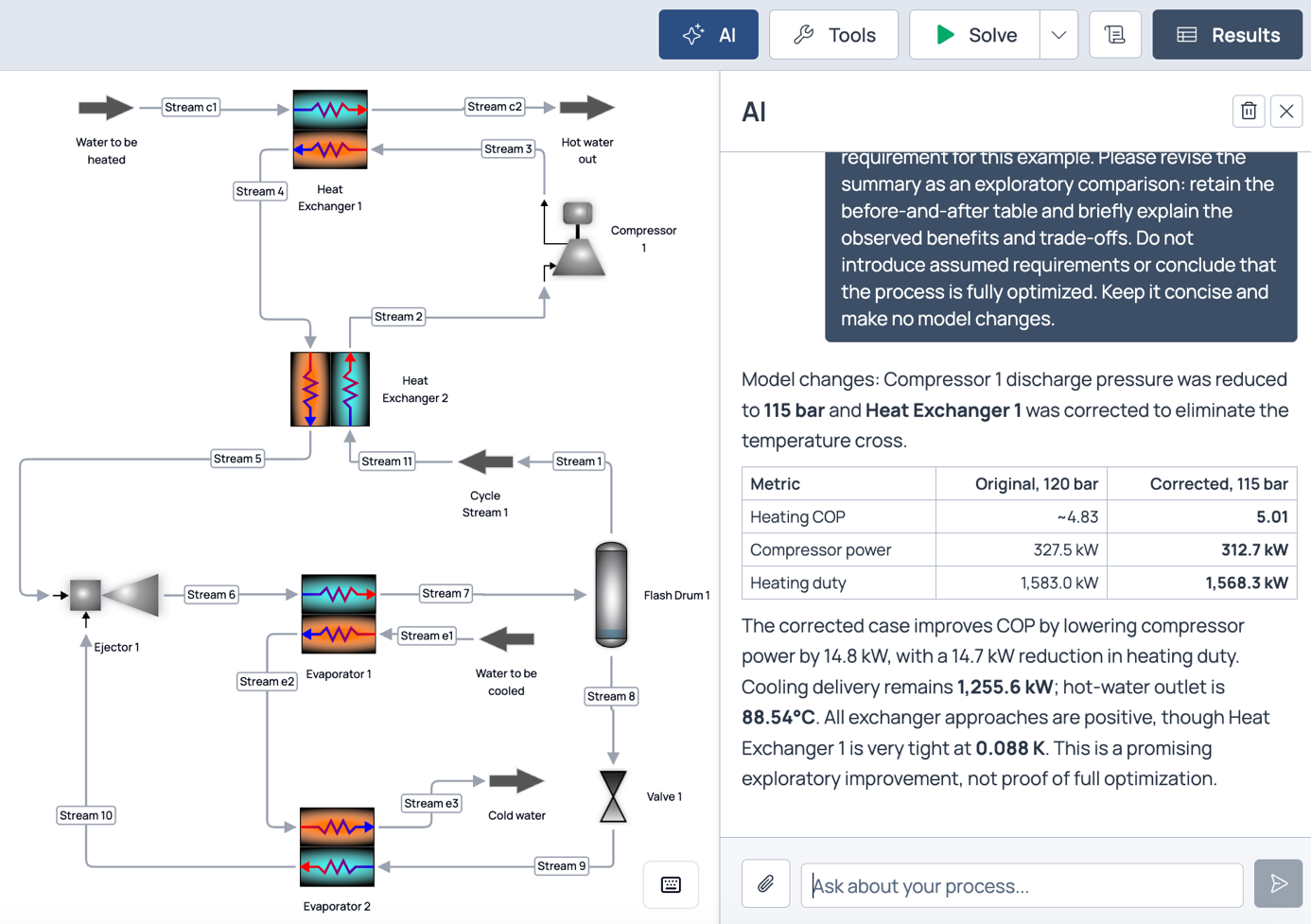
In the example shown in the figure, the AI on the right is helping to improve a heat pump process on the left.
What you can ask for
The AI can build complete processes, either from a description you provide or from a PDF or PNG file that you upload. It can also modify a process you have already set up. For example, you can ask:
- "Build a heat pump using propane as the refrigerant."
- "Explain why the compressor outlet temperature is high."
- "Suggest changes that could improve the COP of this heat pump."
Reviewing what the AI did
The process calculations are performed by the simulation engine. You should review the process setup, assumptions and results, particularly when the AI has built a process from a document or image where some information may be missing. You can review the changes made by the AI, accept or reject them, and undo them directly in your browser.